

CometChat review: the easiest way to add in-app chat fast

Rating 5 (4 Votes)

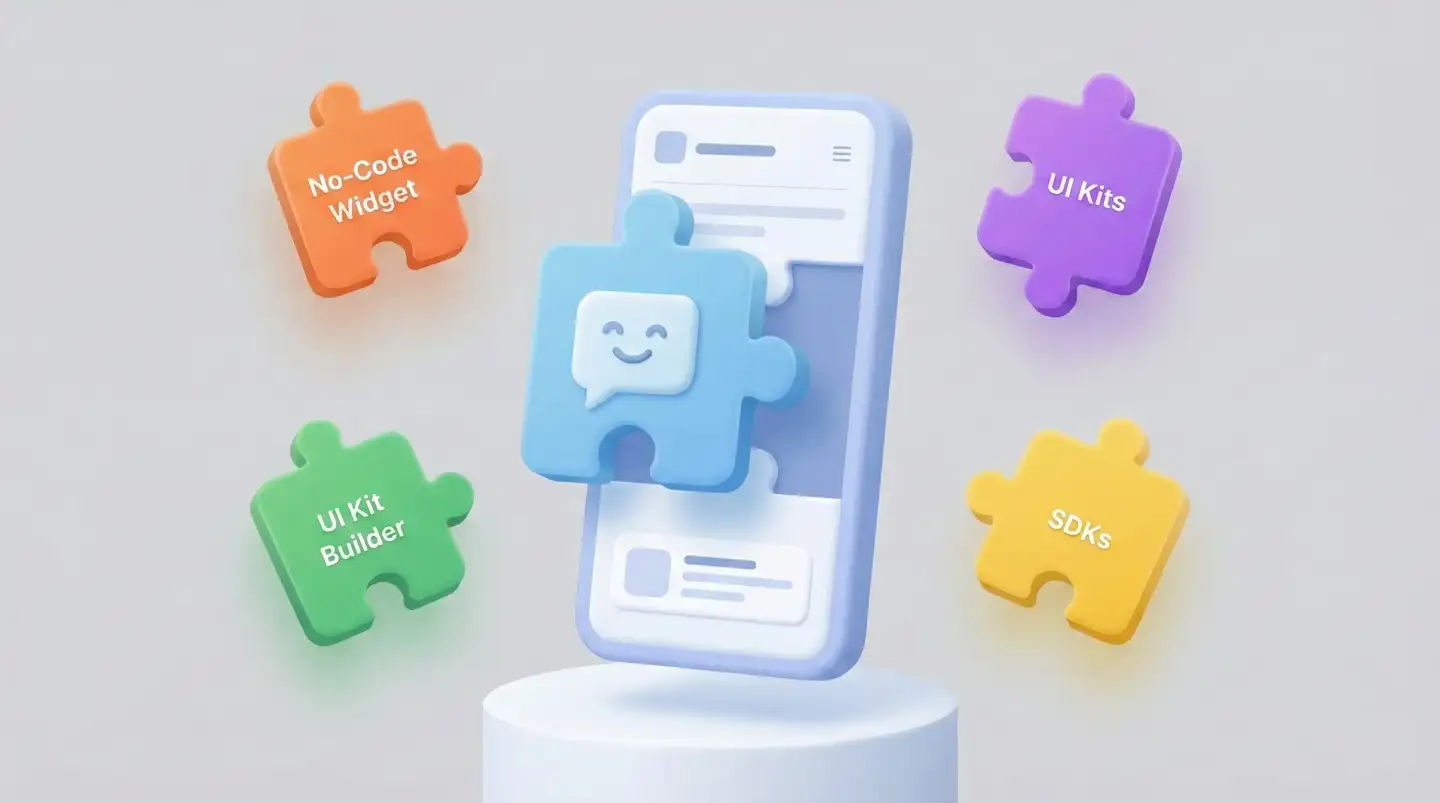
This CometChat review is written for product teams that want in-app chat to work reliably-without turning a simple chat screen into months of infrastructure work, edge cases, and on-call fire drills. If you’re comparing build-versus-buy, the key point is that CometChat isn’t just one integration method. It gives you four ways to integrate-No-Code Widget Builder, UI Kit Builder, UI Kits, and SDKs-so you can choose the fastest route today and still have a clean upgrade path later as chat becomes more central to your product.

If you’ve ever tried to “just add chat,” you already know the UI is the easy part. The real work lives behind it: real-time message delivery, message history, online presence, cross-device sync, scaling to handle many concurrent connections, and building safeguards so the system stays stable under load. CometChat’s value is that it provides that foundation as a managed platform, so your team focuses on product workflows instead of maintaining messaging infrastructure.

What CometChat is (and what you get)

CometChat positions itself as a communications platform for real-time chat and voice/video calling, designed to be embedded into web and mobile apps through multiple implementation methods. In practice, that means you’re not starting from scratch. You can implement a standard messaging experience quickly, then iterate toward a more branded and app-native UX over time.
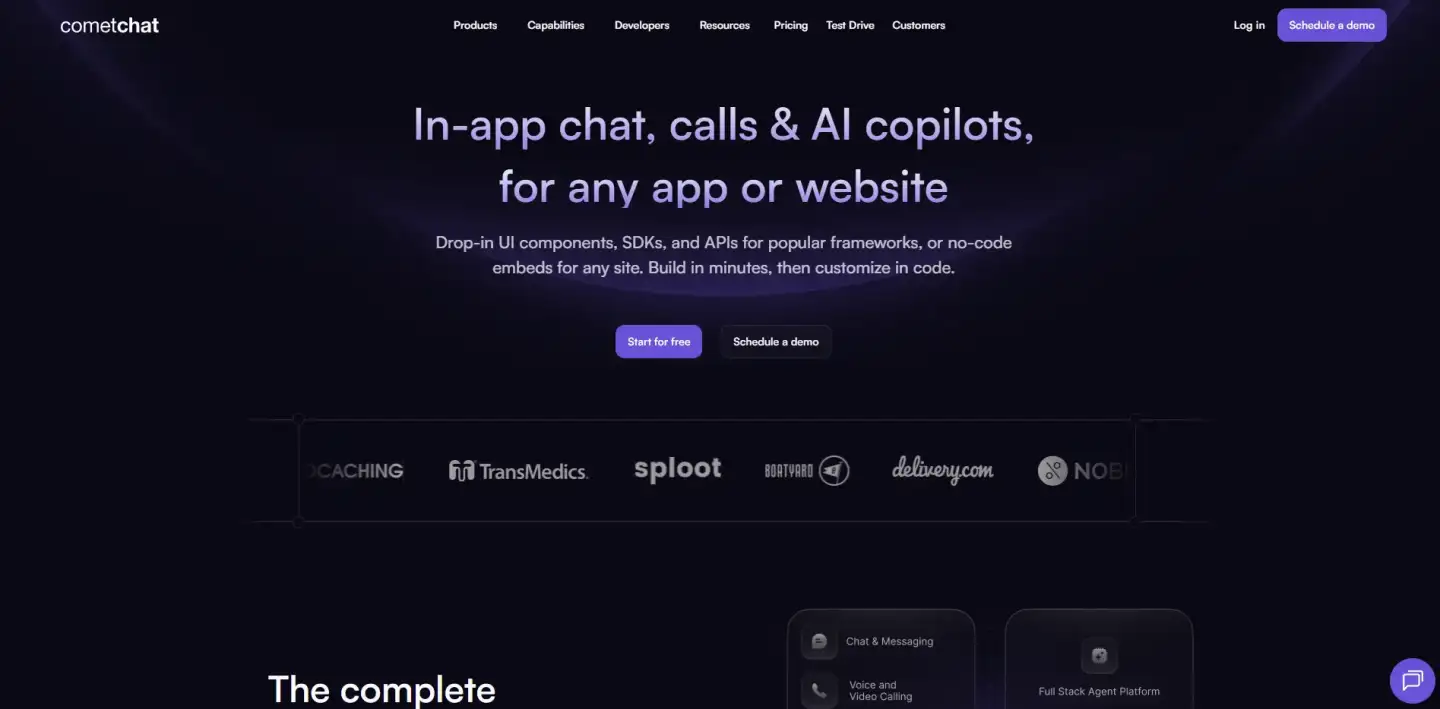
Beyond basic messaging, CometChat also emphasizes platform features teams usually bolt on later-things like notifications across mobile and web, moderation/guardrails, analytics/insights, and even multi-tenant infrastructure for SaaS products that need multiple isolated customer spaces on one backend.

The four CometChat integration paths

CometChat offers four integration options so you can match chat to your product stage, team skills, and desired level of customization. If you need the fastest possible setup, you can embed a prebuilt widget with minimal effort.

If you want a more branded, product-like experience, you can use visual builders or prebuilt UI components. And if chat is a core feature and you need full control, you can integrate via SDKs and build a completely custom experience on top of CometChat’s engine.

1. No-Code Widget Builder

If your priority is speed to launch, the No-Code Widget Builder is CometChat’s shortest path to a working in-app chat experience. You design and configure the widget visually, then embed it with a snippet-CometChat explicitly frames it as “customize, embed, and launch” with minimal technical overhead.

What this looks like in a real product is simple: you treat chat as an embedded widget that can live on your site (or web app) without reworking your front-end architecture. You open the builder, choose the widget’s placement and behavior, apply basic branding (colors, UI preferences, toggles), and then paste the snippet into your site. From there, you can publish changes to design and behavior from the builder without waiting for a full redeploy cycle, which is useful when marketing or support wants to iterate quickly.

This path is especially practical for early-stage teams, support-heavy workflows, and “prove-it-fast” moments: a marketplace validating whether buyer–seller chat increases conversion, a SaaS onboarding flow that needs quick in-app support, or an internal tool that needs messaging without a full UI investment. CometChat also notes that the widget approach can be deployed on common no-code platforms and site builders like Squarespace, Shopify, WordPress, and Webflow-important if you’re working with a marketing site or a lightweight web presence.

The tradeoff is control. A widget can be branded, but it will still behave like an embedded module. If you need chat to live inside your app navigation, open directly from product context (an order, a listing, a lesson), or follow complex role-based UX, you’ll likely outgrow the widget and move up to UI Kits or SDKs. That’s not a failure; it’s usually the intended progression.

2. UI Kit Builder

UI Kit Builder is the low-code route to a more product-native chat experience. CometChat describes it as a tool that simplifies adding the UI Kit into an existing app: you set up chat functionality, customize UI elements, and wire up essential features without extensive coding.

The key difference versus the widget is ownership. With UI Kit Builder, you’re no longer dropping a floating chat module onto a page. You’re generating an integration-ready UI Kit setup that you embed into your app’s UI, so chat starts to feel like a first-class product area rather than an external add-on. For teams that care about branding and UX consistency-but still want a fast path-this typically lands in the sweet spot: more native than a widget, less work than building UI from scratch.

A common implementation pattern is: you connect the builder to your CometChat app credentials, configure the core UI screens you want (conversation list, message view, composer), toggle features appropriate to your use case, and then export the generated code and drop it into your app. The builder reduces the “wiring” overhead that usually slows teams down at the start: getting credentials in place, standing up initial screens, and ensuring the UI is connected to working chat logic.

Where UI Kit Builder shines is time-to-first-message with a solid default UX. Where it can become limiting is when your product demands a highly customized interaction model-unusual layouts, complex state handling, or deeply specialized flows. At that point you either start extending UI Kits directly, or switch to SDKs for total control.

3. UI Kits

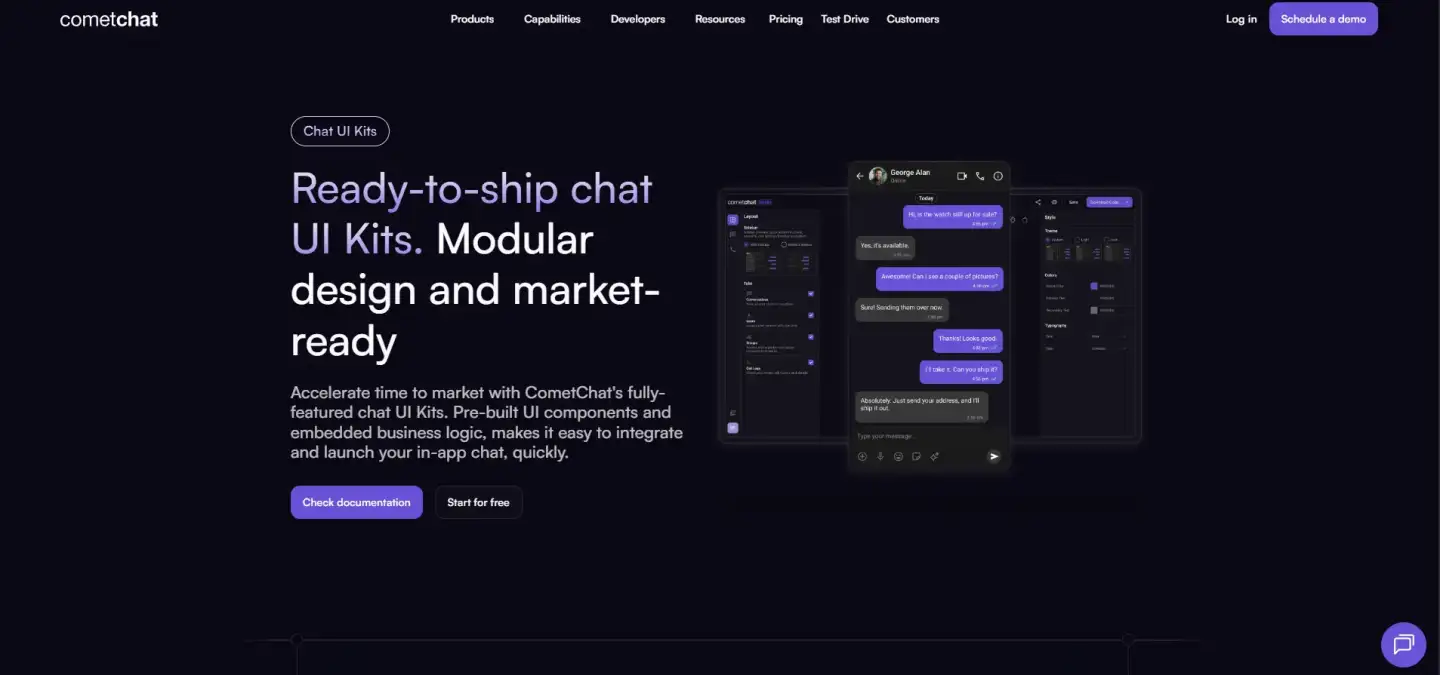
UI Kits are prebuilt chat components and screens you drop into your app. CometChat emphasizes that UI Kits are modular and designed for rapid integration, while still allowing customization to match your brand.

A useful way to understand UI Kits is this: you get ready-made building blocks that already contain the messaging logic, so you don’t have to manually write SDK calls for the standard messaging experience. In the React UI Kit docs, CometChat explains that you import the components you need-like conversation lists, message lists, and a message composer-arrange them in your desired layout, and the components handle the underlying CometChat integration for you.

That design matters because most teams don’t struggle with rendering a message bubble; they struggle with everything around it: empty states, loading states, typing indicators, presence, pagination, attachment handling, and the dozens of UI/logic edge cases that appear immediately in production. UI Kits are meant to shortcut that entire layer while letting you still make the chat area feel native to your product.

UI Kits also matter because they’re offered across multiple popular stacks. CometChat’s own documentation lists UI Kit support for React, React Native, iOS, Android, Flutter, Angular, and Vue. That breadth is important if you have multiple clients (web + mobile) and want a consistent approach across platforms.

The main tradeoff with UI Kits is that you’re working within a component system. You can customize and extend, but the more your UI diverges from conventional chat patterns, the more you may prefer an SDK-first approach.

4. SDKs

SDK integration is the “full control” path. Here CometChat becomes the messaging engine (and APIs), while you build the UI and product-specific workflows exactly the way you want. CometChat markets SDKs as feature-rich and available across Android, iOS, Flutter, React Native, and Ionic.

This is the right path when chat is central to your business model-marketplaces, communities, telehealth-style engagement flows, or any product where conversation design is a differentiator. With SDKs, you control navigation, layout, state management, and every interaction detail. You can decide how conversations are created, what “starting a chat” looks like from a listing or order page, how your app handles message requests or role-based access, and how messaging ties into your broader data model.

SDKs also pair naturally with event-driven product workflows. For example, CometChat supports webhooks that send HTTP POST requests for events like messages, user actions, group updates, calls, and moderation results-useful if you want to sync chat events into your backend, trigger notifications through your own systems, log activity, or power internal automations. This is one of the practical reasons the SDK path scales well: you can make messaging part of your platform architecture instead of a standalone UI feature.

The tradeoff is straightforward: you’re choosing flexibility over speed. You’re not inheriting a full set of chat screens and UI states by default, so your team must design, implement, and test the interface and all UX edge cases. You’re still saving the hardest infrastructure work, but you are owning the product layer completely.

How to choose among CometChat integration paths

If you need a fast launch, start with the widget and treat it like an enablement feature; it’s designed for “go live instantly” and quick iteration. If chat needs to feel like a real product area, UI Kit Builder and UI Kits are usually the fastest way to get a branded, app-native experience without rebuilding the entire messaging UI ecosystem. If chat is a core workflow and you want complete UX control, SDKs are the long-term bet, especially when you need deep integration with your backend via event-driven hooks and custom logic.

This “progression” is one of CometChat’s strongest strategic advantages: you can start simple, then move toward deeper control as your product and requirements evolve, without throwing away the underlying platform.

Pricing notes (what to expect)

CometChat pricing includes a free plan and paid tiers that scale primarily with usage metrics like monthly active users and concurrent connections (with plan comparisons shown on their pricing page).

Plan

Price shown

Billing note

Best fit

What’s included (as shown)

Build

$0 / month

Free for development

Prototyping and integration

Full-featured dev plan, up to 100 users, no credit card required

Basic

$298.75 / month

Billed annually

Production-ready chat essentials

Rich in-app chat, push notifications, basic moderation, Global EDGE network

Advanced

$423.75 / month

Not shown in the screenshot

Teams that need stronger ops + notifications

Everything in Basic plus AI rule-based moderation (limited-time offer), email & SMS notifications (customizable templates), multi-tenancy

Enterprise

Contact sales

Starts from 10k MAU

High scale + stricter guarantees

Everything in Advanced plus zero overages, OpenAI-powered context & prompt-based moderation, OpenAI-powered context & prompt-based insights (partially visible)

Because pricing can change, treat any third-party numbers as directional and verify against the official plan comparison before you commit.

Pros, cons, and who CometChat is best for

CometChat is strongest for teams that want reliable chat fast and don’t want infrastructure ownership. The breadth of implementation options-from no-code widget to full SDK-makes it unusually flexible across different product stages and different team compositions.

The main downside is that “fast and flexible” still requires good product decisions. If you choose a widget when you actually need deeply embedded messaging workflows, you’ll hit limitations. If you choose SDKs when you really needed speed, you’ll spend time building UI complexity you could have borrowed from UI Kits. Picking the integration path is the decision that determines whether CometChat feels effortless or heavier than expected.

Verdict

If your goal is to ship in-app messaging quickly without building infrastructure from scratch, CometChat is one of the more practical choices-mainly because this CometChat review focuses on the reality that products don’t all need the same level of integration on day one.

The four CometChat integration paths let you launch fast with a widget, move into product-native UI with UI Kit Builder or UI Kits, and graduate to SDKs when chat becomes a core workflow.

FAQ

Absolutely not. If you don’t write code, choose the No-Code Widget Builder. It allows you to create and configure a chat visually, without a single line of code. And for developers, there are advanced SDKs and UI Kits.

It depends on which path you choose. You can insert a simple widget in 10-15 minutes. Deeper integration through UI Kits will take several hours. But it’s still many times faster than writing the backend yourself for months.

Yes, of course. CometChat gives you complete freedom. You can change the colors, fonts, and icons so that the in-app chat looks like a native part of your application, and not like a foreign element.

Nothing bad. The platform is designed for high loads. Your real-time chat will work stably, even if the number of users grows from hundreds to millions. The issue of scaling is taken care of by CometChat.

Yes! You can register and start creating your chat for free. This allows you to test the functionality and understand how the messaging feature works, even before you decide to pay.

Be the first to comment
content specialist

Nazar Tkachenko

Results-driven SEO Copywriter with proven ability to enhance search visibility for Ukrainian and American projects. Expertise in creating high-quality, SEO-optimized articles, blogs, and product descriptions, focusing on keyword integration and search intent.

Bohdan Tyshynskyi