


YouTube is still the biggest video platform in the world, but in 2026 more and more creators are spreading their content across other sites. The reasons are familiar: crowded ad breaks, an algorithm that favours established channels, and a Partner Program that is about to get harder to join. From February 1, 2027, new applicants will need 8,000 watch hours or 20 million Shorts views to earn ad revenue, which is double today's bar.
This guide compares the best YouTube alternatives for 2026. It covers video hosts such as Vimeo and Dailymotion, and social platforms such as TikTok and Twitch. It also covers multistreaming tools, StreamYard, Restream and OneStream Live, which let you go live everywhere at once, YouTube included.
Key takeaways
- Ad-free professional hosting: Vimeo
- Short-form reach and virality: TikTok
- Live community and gaming: Twitch
- European audience and new creators: Dailymotion
- Going live on dozens of platforms at once: Restream and OneStream Live
- The easiest browser-based live studio: StreamYard
What is YouTube?
YouTube is the world's leading video-sharing platform. Users can upload, watch and comment on videos on virtually any topic, from music videos and tutorials to gaming streams, podcasts and educational series. Since its launch in 2005, it has become the default place for creators, brands and communities to build an audience.
Creators earn through the YouTube Partner Program (YPP), which now has two tiers:
- Fan Funding tier: 500 subscribers, 3 public uploads in the last 90 days, plus 3,000 watch hours in 12 months or 3 million Shorts views in 90 days. This unlocks memberships, Super Chat, Super Thanks and Shopping, but not ad revenue.
- Full monetization: 1,000 subscribers plus 4,000 watch hours in 12 months or 10 million Shorts views in 90 days. From February 1, 2027, new applicants will need 8,000 hours or 20 million Shorts views.
Why look for YouTube alternatives?
YouTube is not going anywhere, but relying on a single platform is risky. These are the most common reasons creators look for a YouTube alternative:
- A higher monetization bar. The watch-time requirement for ad revenue doubles in 2027, so small channels will wait longer for their first payout.
- Ads and viewer experience. Frequent ad breaks hurt engagement, especially on embedded videos on your own website.
- Discoverability. New videos compete with millions of uploads, and the algorithm tends to reward channels that are already big.
- Stricter content policies. YouTube's rules on inauthentic, mass-produced and AI-generated content mean more rejected YPP applications.
- Platform risk. One strike or policy change can cut off your income. A second platform keeps your audience and revenue diversified.

Some alternatives replace YouTube as a home for your videos. Vimeo, for example, hosts videos without ads, and Twitch is built around live community. Others, such as Restream and OneStream Live, work alongside YouTube and broadcast your stream to many sites at once.
How we selected the best YouTube alternatives
We evaluated every platform against the factors that matter most to creators in 2026:
| Criterion | What it means | Why it matters |
|---|---|---|
| Monetization potential | How easily creators can earn, including at the start. | Turns content into income sooner. |
| Ad experience | Whether ads appear and how intrusive they are. | Fewer ads mean better engagement and viewer satisfaction. |
| Ease of use | How simple it is to publish and manage content. | Saves time for beginners and small teams. |
| Live streaming | Real-time broadcasting, guests and chat. | Essential for events, gaming, webinars and interviews. |
| Audience reach | The size and geography of the viewer base. | Determines how fast you can grow. |
| Unique features | Branding, analytics, multistreaming, selling tools. | Adds value that YouTube doesn't offer. |
Top 7 YouTube alternatives for 2026
The list has two groups. Vimeo, TikTok, Dailymotion and Twitch are destinations, places where your audience watches. StreamYard, Restream and OneStream Live are live-streaming studios and multistreaming tools. They help you broadcast to YouTube and other platforms at the same time, so they complement YouTube rather than replace it.
1. StreamYard: best for easy live streaming
StreamYard is a live studio that runs directly in your browser, with no downloads or complicated setup. You can stream to YouTube, Facebook, LinkedIn and other destinations, invite guests with a link, and add your own logo, overlays and backgrounds.
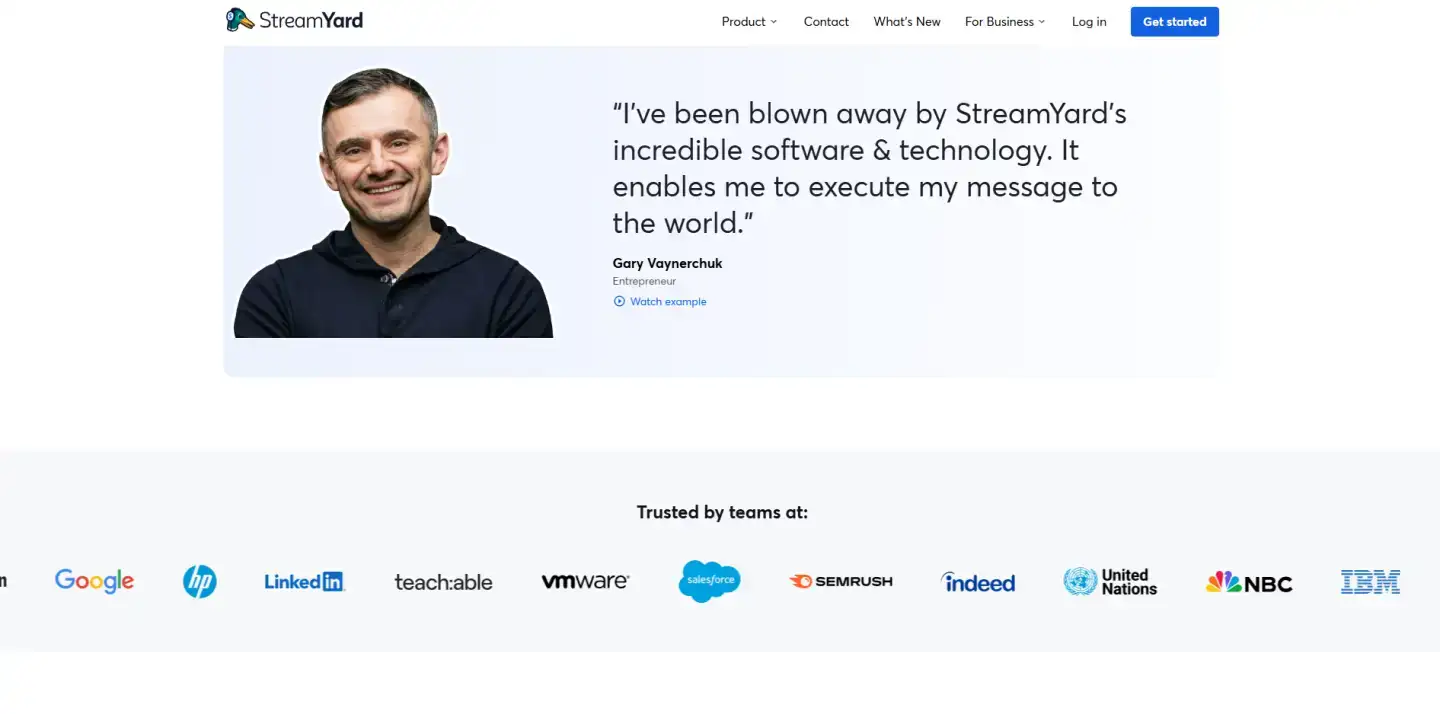
It is a great fit for interviews, webinars and video podcasts. Paid plans support up to 10 on-screen participants, Full HD streaming and multistreaming. You can also turn recordings into Shorts, Reels and long-form clips. If you produce audio shows too, see our selection of AI podcast generator tools.
Pro tip: Run a short private test stream before every event. Check guest audio, overlays and the destination titles. Then save the setup as a reusable studio so each new show takes minutes to launch.
Pros
- Very simple interface that works in the browser
- Easy guest invites, up to 10 on screen on paid plans
- Flexible branding, overlays and local recordings
Cons
- Free plan has a watermark and only 2 hours of local recording a month
- No built-in monetization; you earn on the platforms you stream to
Verdict: StreamYard is not a video host like YouTube. It is the fastest way to run a professional-looking live show without technical skills.
2. Restream: best for broad reach
Restream lets you go live on more than 30 platforms at once, including YouTube, Twitch, LinkedIn, Facebook and X. Comments from every destination arrive in one unified chat, so you can talk to your whole audience from a single window.
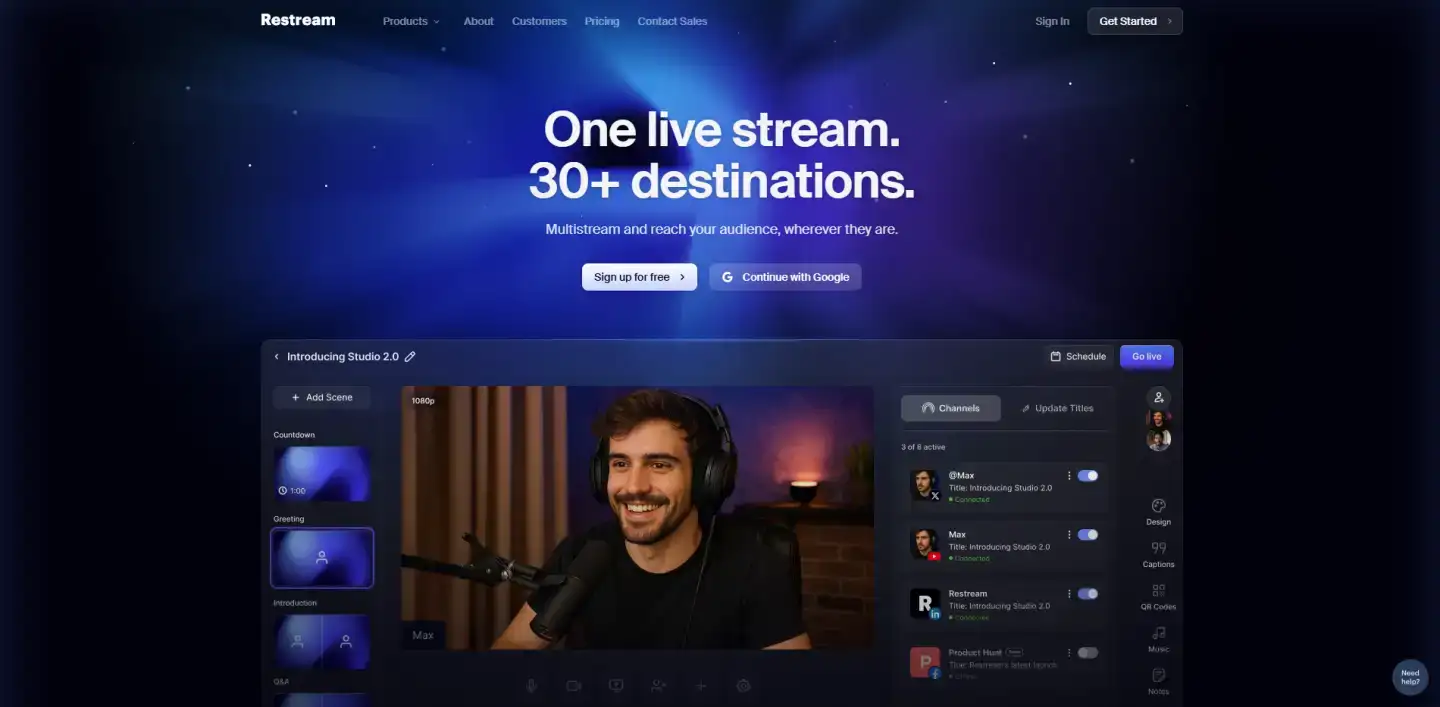
Restream connects easily with OBS, Zoom and other streaming software, supports custom RTMP destinations, and shows analytics across all channels. In 2026 the Professional plan added 4K recording and dual-format streaming, horizontal and vertical at the same time. Your earnings still come from the platforms you stream to, but your reach grows with every new destination.
Pro tip: Don't send the same title everywhere. Write a separate title and description for each platform. LinkedIn viewers respond to a professional angle, while Twitch and TikTok prefer a casual hook.
Pros
- Stream to 30+ platforms simultaneously
- Unified chat and cross-platform analytics
- Works with OBS, Zoom and custom RTMP
Cons
- Advanced features, such as 4K and branding, require paid plans
- Monetization depends on the connected platforms
Verdict: Restream doesn't store a video library the way YouTube does. It is the best choice when your goal is to be live everywhere your audience is.
3. OneStream Live: best for multistreaming and scheduled streams
OneStream Live is a cloud-based platform that streams to more than 45 social sites at once. Its main advantage is pre-recorded streaming: upload a video, schedule it, and it goes live at the right time, even 24/7, while you are offline.
Besides the live studio, OneStream offers an embeddable player for your website and custom landing pages for streams. It also has Live Sales, a feature that adds shoppable product cards and QR codes to a broadcast. You can stream from Google Drive, Dropbox or OneDrive and keep your recordings in the cloud.
Pro tip: Use scheduled pre-recorded streams to cover several time zones. Go live yourself for your main audience, then replay the recording as a scheduled "premiere" for viewers in other regions.
Pros
- 45+ destinations and pre-recorded streaming
- Beginner-friendly interface
- Live Sales, embeddable player and cloud storage
Cons
- Free plan is limited to 2 destinations at 720p
- No direct ad revenue; earnings come from connected platforms
Verdict: YouTube lets you stream only to YouTube. OneStream Live sends the same broadcast to dozens of channels, which makes it a strong tool for growing beyond a single platform.
4. Vimeo: best for professional creators
Vimeo is the go-to video host for filmmakers, agencies and businesses that want a clean, ad-free player. Your videos play without third-party ads or competitors' recommendations, which is ideal for portfolios, course content and embedding on your own website.
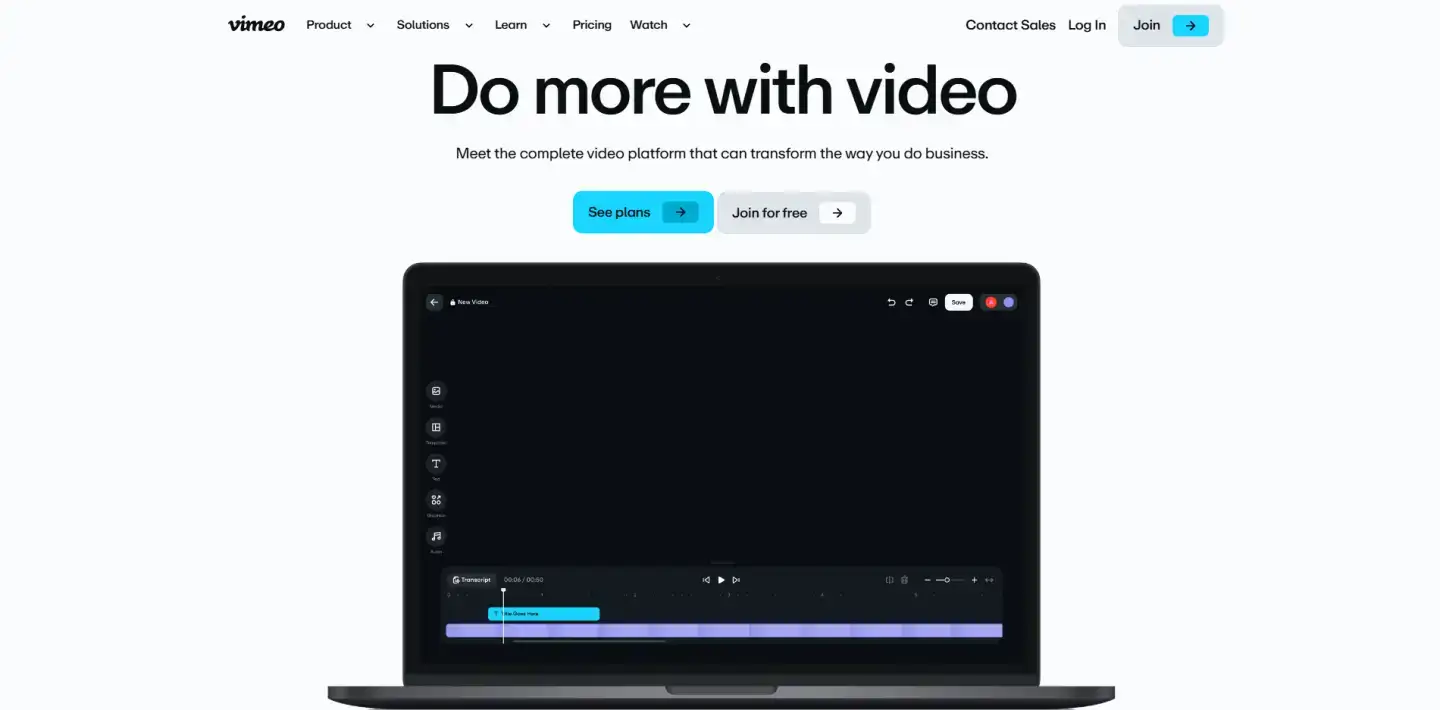
Vimeo offers a customizable player, advanced privacy settings such as password protection and domain-level restrictions, high-quality playback, and AI tools for transcripts and chapters. It also supports live events and multistreaming. Creators who want to sell videos through subscriptions or rentals can use Vimeo's OTT tools on higher-tier plans.
What changed in 2026: Bending Spoons acquired Vimeo at the end of 2025, and the company is now rolling out a new plan lineup (Creator, Core, Professional and Studio for businesses). Storage limits for private and embedded videos have changed, and accounts identified as businesses may be moved to higher-priced plans. Check the current terms before committing.
Pro tip: Host on Vimeo the videos you embed on your site or sell, such as courses, client work and product demos. Keep YouTube for discovery. You get a clean, branded experience and a free source of new viewers.
Pros
- Ad-free, fully customizable player
- Strong privacy and embedding controls
- Tools to sell video through subscriptions and rentals
Cons
- Much smaller discovery audience than YouTube
- 2026 price changes and new storage limits on cheaper plans
Verdict: Vimeo values quality over quantity. If you care about brand control and an uninterrupted viewing experience, it is the strongest professional alternative to YouTube.
5. TikTok: best for short-form content
TikTok is the leading short-video platform. Its recommendation algorithm can show a brand-new account's video to millions of people, something that rarely happens on YouTube, where big channels attract most of the traffic.
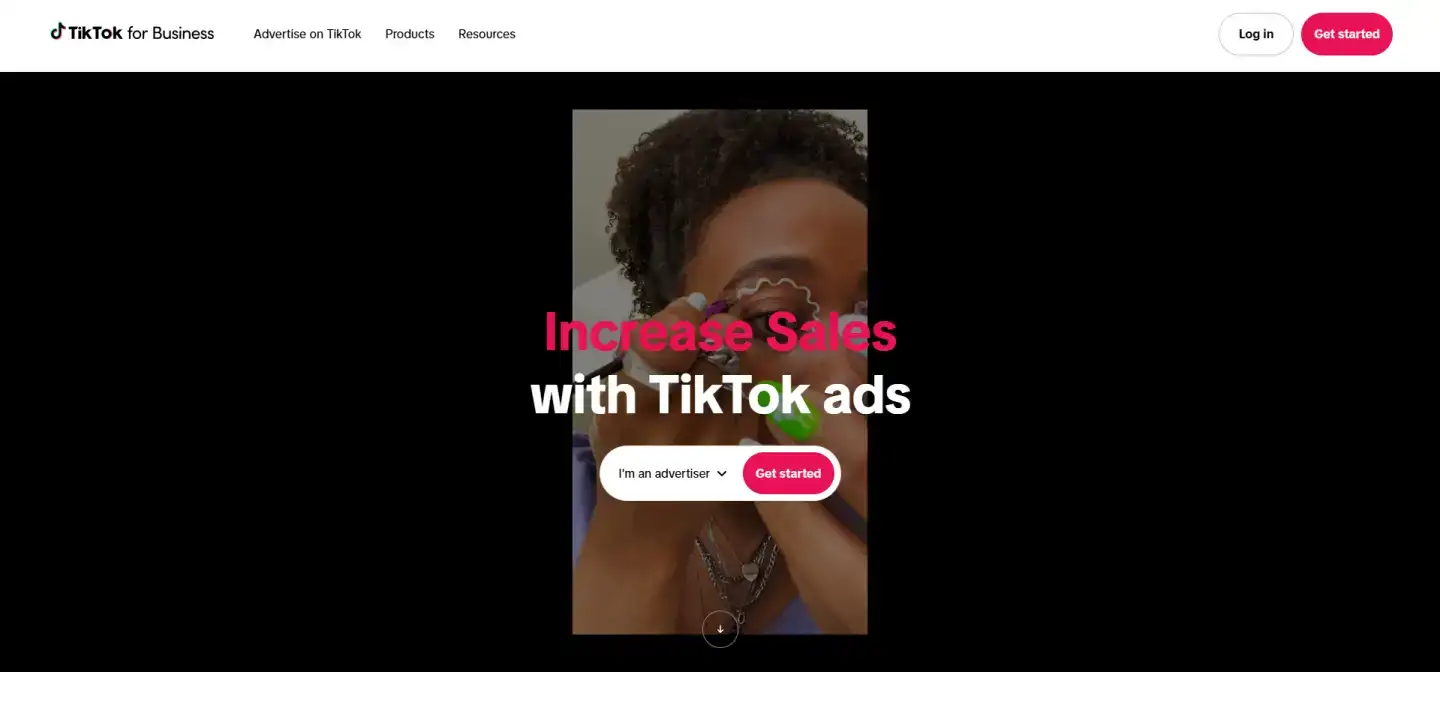
TikTok pays creators through the Creator Rewards Program. To join, you need 10,000 followers, 100,000 views in the last 30 days, be 18 or older, and live in a supported country. Only original videos longer than one minute qualify, and creators commonly report $0.40–$1.00 per 1,000 qualified views. Other income streams include LIVE gifts, TikTok Shop affiliate commissions and brand partnerships.
Pro tip: Rewards pay only for videos over one minute. Hook viewers in the first two seconds, then deliver the full value so they stay past the 60-second mark.
Pros
- Huge organic reach, even for new accounts
- Several ways to earn: Rewards, LIVE gifts, Shop, brand deals
- Simple built-in editing tools
Cons
- Creator Rewards is available only in selected countries
- Focused on short videos; ads appear in the feed
Verdict: TikTok doesn't compete with YouTube's long videos. It is the best platform for fast growth and trend-driven content, and it can bring new viewers to your long-form channel.
6. Dailymotion: best for global reach
Dailymotion is a video-sharing platform owned by the French media group Canal+. It is especially popular in Europe and helps creators reach audiences outside the U.S. market.
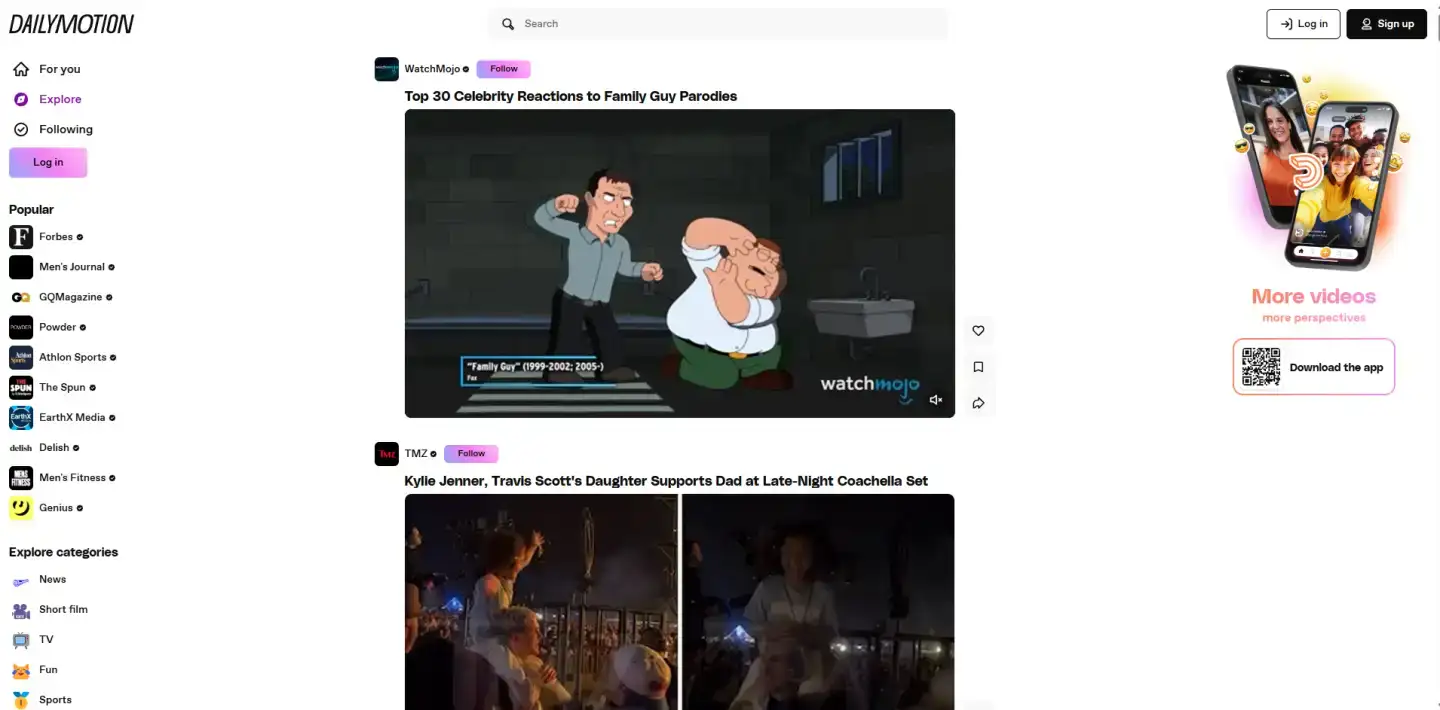
Creators earn through ad revenue sharing in the Dailymotion Partner Program. In 2026 the platform launched DayOne, a fund worth €2 million a year that finances creator projects, with three application rounds through the end of 2027. Competition is lower than on YouTube, so new channels get noticed more easily, and Dailymotion keeps adding AI-powered creation tools.
Pro tip: Upload your existing long-form library to Dailymotion as a second distribution channel. It costs nothing, takes little time and can bring extra views from European audiences.
Pros
- Strong presence in Europe and many other countries
- Less competition than on YouTube
- HD video, Partner Program and the DayOne creator fund
Cons
- Smaller audience in the U.S.
- Fewer monetization options than YouTube
Verdict: Dailymotion is smaller than YouTube, but it is an easy and free way to reach new international audiences.
7. Twitch: best for live community engagement
Twitch is the best-known live-streaming platform. It started with gaming but now covers music, creative work, IRL streams and talk shows. Its live chat, emotes and channel points create a strong sense of community.
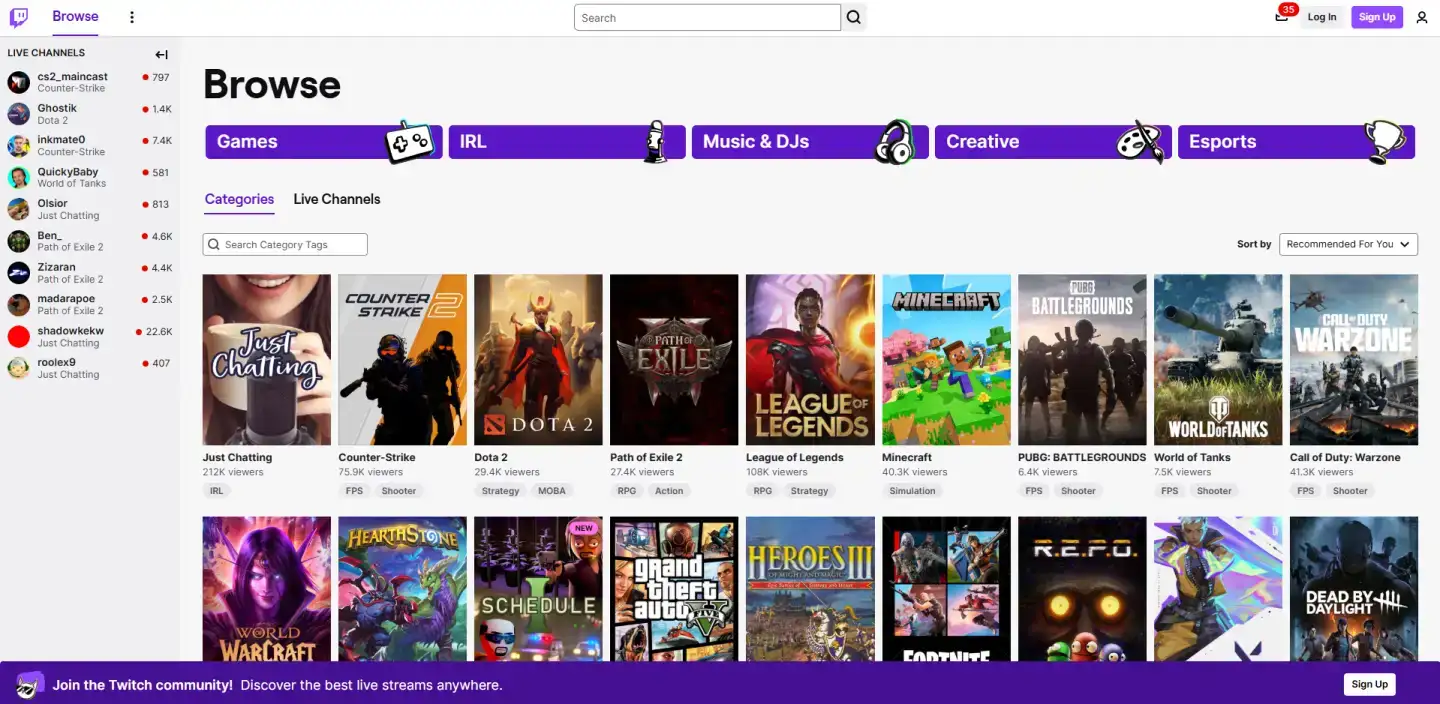
To earn, streamers join the Affiliate program, which requires 25 followers, 4 hours of streaming across 4 days and an average of 3 viewers. Affiliates earn from subscriptions (usually a 50/50 split), Bits and ads. Top creators in Partner Plus can keep up to 70% of subscription revenue. The Ad Incentive Program offers a 55% ad revenue share to streamers who run 3 minutes of ads per hour. In 2026 Twitch started opening Bits and subscriptions to all U.S. streamers, but only Affiliates can withdraw payouts.
Pro tip: Keep a fixed weekly schedule and save highlights as VODs. Then cut the best moments into Shorts and TikToks. This is how most Twitch streamers bring new viewers to their live channel.
Pros
- Very strong community and chat interaction
- Low entry bar for monetization
- Subscriptions, Bits, ads and incentive programs
Cons
- Focused on live content, not pre-recorded videos
- Audience leans heavily toward gaming
Verdict: If you love talking to your audience in real time, Twitch is the most engaging alternative to YouTube for live content.
Still not sure which platform fits you best? Send us a request. Our manager will get back to you quickly and help you choose the right solution.
Comparison table: best YouTube alternatives
This table summarizes the key differences between the platforms, from monetization and ads to starting prices.
| Platform | Type | Monetization | Ads | Price from | Best for |
|---|---|---|---|---|---|
| Vimeo | Video hosting | Subscriptions, rentals, sales (higher tiers) | No | Free / ~$10/mo | Portfolios, brands, courses |
| OneStream Live | Multistreaming | Via connected platforms, Live Sales | Varies | Free / $15/mo | Scheduled and 24/7 streams |
| Restream | Multistreaming | Via connected platforms | Varies | Free / $19/mo | Maximum live reach |
| StreamYard | Browser live studio | Via connected platforms | Varies | Free / $35.99/mo | Interviews, webinars |
| TikTok | Short-form video | Creator Rewards, LIVE gifts, Shop, brand deals | Yes | Free | Viral reach |
| Dailymotion | Video sharing | Ad revenue, DayOne fund | Yes | Free | European audiences |
| Twitch | Live streaming | Subscriptions, Bits, ads | Yes | Free | Gaming, live community |
Prices are starting prices in USD and were checked in November 2026. Annual billing is usually cheaper. Always confirm the current price on the vendor's website. For more hosting options, see our guide to the best video hosting platforms.
How to choose the right YouTube alternative
- You want an ad-free player for your website or clients, so choose Vimeo.
- You want fast growth with short videos, so choose TikTok.
- You stream games or live shows and want a loyal community, so choose Twitch.
- You want extra reach in Europe at no cost, so choose Dailymotion.
- You want to be live on YouTube and 30+ other platforms at once, so choose Restream or OneStream Live.
- You host interviews, webinars or video podcasts, so choose StreamYard.
Most successful creators combine several of these: one platform as a home base and others for discovery and live interaction.
Conclusion
The best alternative to YouTube depends on your goals. Vimeo is the strongest choice for professional, ad-free video. TikTok is ideal for short videos with viral potential. Twitch is best for live community, and Dailymotion opens up European audiences. StreamYard, Restream and OneStream Live don't replace YouTube; they multiply your reach by sending one stream to many platforms.
With YouTube's monetization bar doubling in 2027, now is a good time to diversify. Test one or two of these sites like YouTube and find the best fit for your content.
Looking for more comparisons? Check out our blog.
FAQ
What are the best alternatives to YouTube for video sharing?
The most popular options are Vimeo for professional ad-free hosting, Dailymotion for international reach, TikTok for short videos and Twitch for live streaming. Each one serves a different audience, so many creators use two or more platforms together.
Are there YouTube alternatives without ads?
Yes. Vimeo is the best-known ad-free alternative. Its player shows no third-party ads, which makes it ideal for portfolios, courses and videos embedded on your own website.
What's the best YouTube alternative for short-form videos?
TikTok is the leader in short-form content. Its algorithm can make even new accounts go viral, and eligible creators earn through the Creator Rewards Program, LIVE gifts, TikTok Shop and brand deals.
Can I stream to YouTube and other platforms at the same time?
Yes. Multistreaming tools such as Restream, OneStream Live and StreamYard send one broadcast to YouTube, Twitch, Facebook, LinkedIn and other destinations simultaneously. Their chat features help you manage comments from every platform in one place.
Is it getting harder to monetize on YouTube?
Yes. From February 1, 2027, new YouTube Partner Program applicants will need 1,000 subscribers plus 8,000 watch hours or 20 million Shorts views to earn ad revenue. The 500-subscriber Fan Funding tier stays the same.
Last updated: 05.11.2026


