


Email is useful, but managing a busy inbox can quickly become a job of its own. Newsletters, receipts, notifications, promotions, and important messages can all arrive in the same place.
SaneBox is an AI-powered email management tool designed to make that process easier. Instead of asking you to switch to a new email app, it works with your existing email account and automatically organizes incoming messages based on their importance.
What Is SaneBox?
SaneBox connects to your existing email service and helps separate important messages from emails that do not need your immediate attention.
It works with popular email services including Gmail, Microsoft 365, iCloud, Yahoo Mail, Fastmail, and other supported email setups.
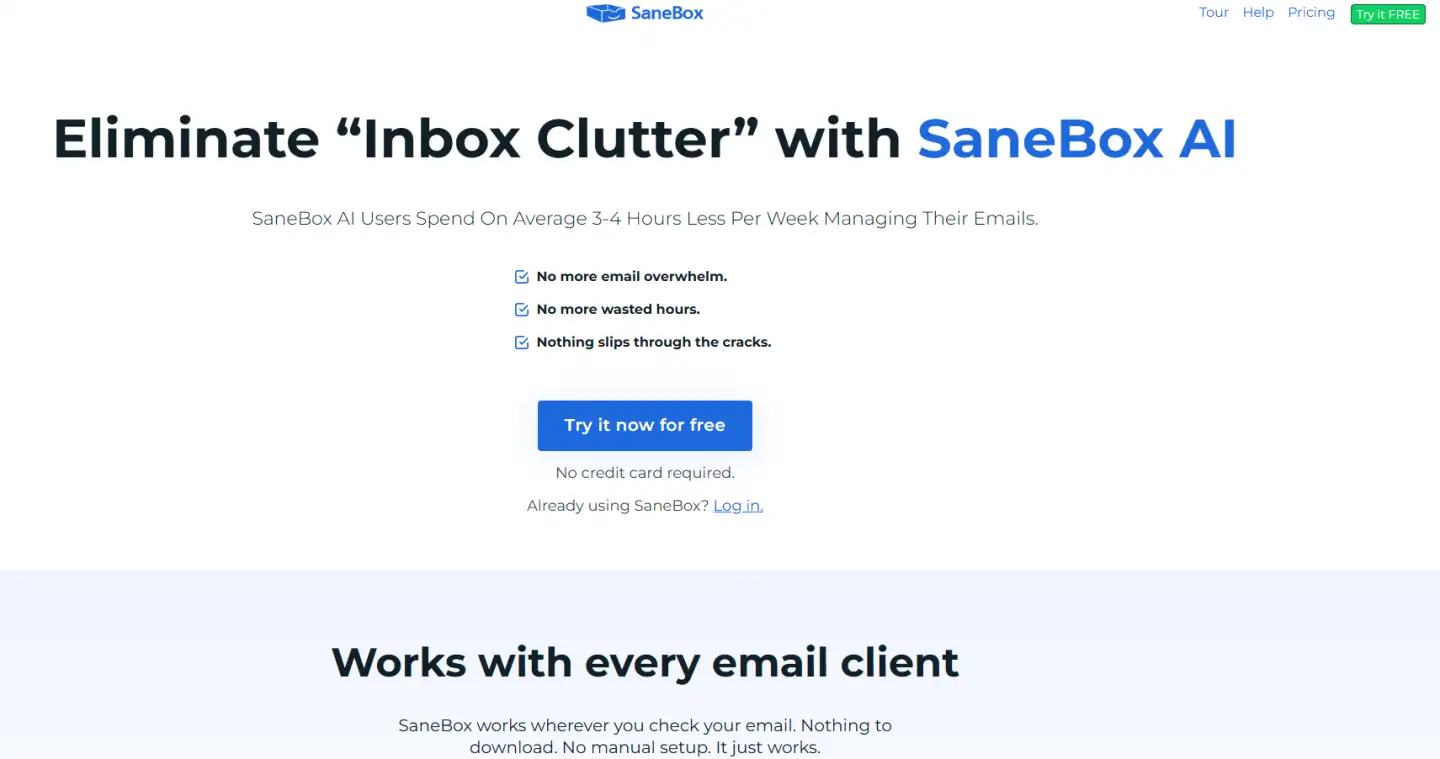
One of its main features is SaneLater. Less important emails are moved from your main inbox into a separate folder, while the messages that are more likely to matter stay easier to see.
The benefit is simple: instead of manually sorting every new email, you can concentrate on the messages that require your attention.
Useful SaneBox Features
SaneBox includes several other inbox management tools.
SaneBlackHole is useful for senders you no longer want to hear from. Moving an email into the SaneBlackHole folder teaches SaneBox to handle future messages from that sender automatically.
SaneReminders can remind you when an important email has not received a reply.
There are also Snooze folders, which allow you to temporarily remove an email from your inbox and have it return when you are ready to deal with it.
These features make SaneBox more than a basic spam filter. The goal is to reduce inbox clutter while still letting you use the email service and workflow you already know.
Is SaneBox Easy to Use?
Setup is straightforward because there is no separate desktop email client that you need to learn.
After connecting an email account, SaneBox begins organizing messages and can learn from the way you move emails between folders. If something is sorted incorrectly, you can move it to the right folder and help train the system.

That makes it particularly useful for people who receive a large number of emails but do not want to spend their day creating filters and manually cleaning their inbox.
Who Is SaneBox Best For?
SaneBox makes the most sense for people whose inbox has become a distraction.
It can be particularly useful for:
- Business owners and founders
- Managers and executives
- Freelancers and consultants
- Professionals managing multiple email accounts
- Anyone receiving a large volume of email every day
If you already maintain an almost empty inbox without much effort, the benefits may be smaller. But for an overloaded inbox, automatic organization can save a considerable amount of repetitive work.
SaneBox Free Trial
SaneBox offers a 14-day free trial, so you can connect your inbox and see how well its filtering works with your own email habits before choosing a paid subscription.
Different plans are available depending on how many email accounts and SaneBox features you need.
Final Thoughts
SaneBox solves a simple but common problem: too many emails competing for your attention.
Its strongest feature is not adding another complicated productivity system. Instead, it works quietly with your existing inbox and helps move lower-priority email out of the way.
Features such as SaneLater, SaneBlackHole, Reminders, and Snooze make it a practical option for anyone who wants a cleaner inbox and less time spent manually managing email.
FAQ
SaneBox is an AI email management tool that automatically sorts your inbox, moving unimportant emails into separate folders and highlighting the ones that matter most. It helps reduce clutter and saves users an average of 2+ hours per week on email management.
Yes, SaneBox is designed with a strong focus on security and privacy. It does not sell or share your data and works directly with your existing email provider without requiring you to switch platforms.
SaneBox is worth it for professionals who receive a high volume of emails and want to save time. With features like automatic filtering, reminders, and email snoozing, it helps improve productivity and reduce stress. Plus, you can try it risk-free with a 14-day free trial and get $25 off any plan.